JSLuice: Extract URLs, paths, secrets, and other interesting bits from JavaScript
🧭 Overview
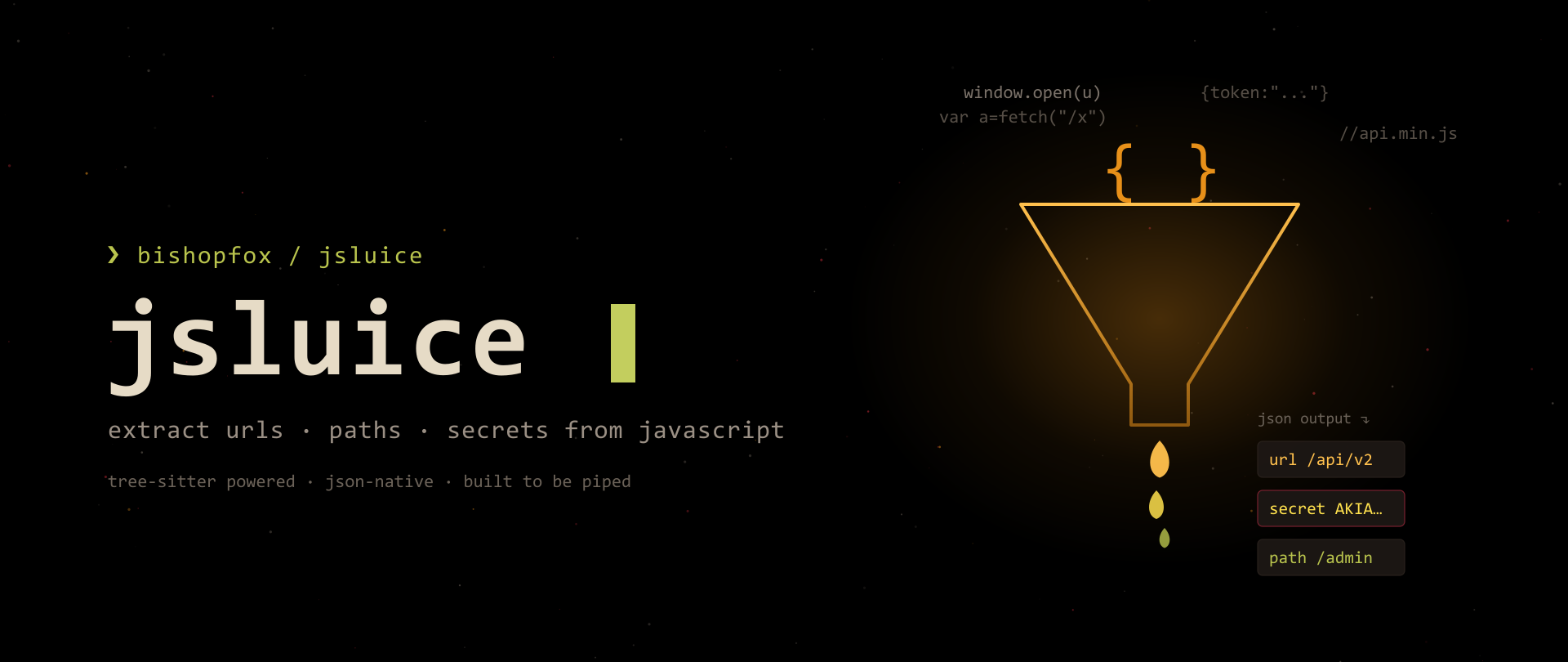
JSLuice is a command-line tool (and Go package) from BishopFox for extracting URLs, paths, secrets, and other interesting bits from JavaScript. Where most JS-parsing tools lean on flat regex and choke on minified bundles, jsluice uses tree-sitter to build an actual syntax tree of the code. That means it understands string concatenation, function calls like fetch() and document.location, object properties, and query/body parameters — the stuff regex silently misses.
For a web app tester, JavaScript is the single richest source of attack surface: hidden API routes, staging hostnames, hardcoded keys, GraphQL endpoints, and undocumented parameters all live in the front-end bundle. jsluice turns that pile of minified .js into clean, structured JSON you can pipe into the rest of your recon chain.
| 🔐 OffSec Tip
Think of jsluice as LinkFinder + SecretFinder rebuilt on a real parser, with JSON output as a first-class citizen. Its whole reason for existing is to be piped.
Repo: github.com/BishopFox/jsluice
📦 Installation
jsluice is a single Go binary. You need Go installed first.
1 | |
Make sure your Go bin is on PATH:
1 | |
Verify:
1 | |
| 🔐 OffSec Tip
If jsluice: command not found after install, it’s almost always the missing GOPATH/bin on your PATH. Add the export above to your ~/.zshrc / ~/.bashrc.
🚀 Basic Usage
jsluice is built around modes. The general form is:
1 | |
Extract URLs from a local JavaScript file:
1 | |
Extract secrets from a whole directory of JS:
1 | |
You can pass local files, HTTP(S) URLs, or WARC files as arguments — jsluice will fetch remote URLs itself. You can also stream input on stdin (covered below).
🎛️ The Five Modes
| Mode | What it does |
|---|---|
urls |
Extract URLs, paths, query params, body params, and the HTTP method/type |
secrets |
Detect API keys, tokens, and credentials using built-in + custom patterns |
tree |
Print the tree-sitter syntax tree of the JavaScript (great for building queries) |
query |
Run a raw tree-sitter query against the source and print matches |
format |
Pretty-print / reformat JavaScript source |
Everything below is organized around these five modes.
🚩 All CLI Flags
🌐 Global flags (apply to every mode)
| Short | Long | Default | Description |
|---|---|---|---|
-c |
--concurrency |
1 |
Number of files to process concurrently |
-C |
--cookie |
Cookie(s) to use when making HTTP requests | |
-H |
--header |
Header(s) to use when making HTTP requests | |
-P |
--placeholder |
EXPR |
Set the expression placeholder to a custom string |
-j |
--raw-input |
false |
Read raw JavaScript source from stdin |
-w |
--warc |
false |
Treat input as WARC files |
-i |
--no-check-certificate |
false |
Ignore validation of server certificates |
--profile |
false |
Profile CPU usage and save a cpu.pprof file |
|
-h |
--help |
Show help |
🔗 urls mode flags
| Short | Long | Default | Description |
|---|---|---|---|
-S |
--include-source |
false |
Include the source code where the URL was found |
-I |
--ignore-strings |
false |
Ignore matches that come from plain string literals |
-R |
--resolve-paths |
Resolve relative paths against the absolute URL provided | |
-u |
--unique |
false |
Output each URL only once per input file |
🔑 secrets mode flags
| Short | Long | Default | Description |
|---|---|---|---|
-p |
--patterns |
JSON file containing user-defined secret patterns |
🔍 query mode flags
| Short | Long | Default | Description |
|---|---|---|---|
-q |
--query |
Tree-sitter query to run, e.g. '(string) @matches' |
|
-r |
--raw-output |
false |
Do not convert values to native types |
-f |
--include-filename |
false |
Include the filename in the output |
-F |
--format |
false |
Format source code in the output |
📖 Every Mode Explained
🔗 urls mode
The workhorse. It walks the syntax tree looking for anything URL-shaped — fetch(), XMLHttpRequest, document.location, window.open(), string assignments to path-like values, and more.
1 | |
Each result is a JSON object:
1 | |
| Field | Meaning |
|---|---|
url |
The extracted URL or path |
queryParams |
Query-string parameter names jsluice saw attached to it |
bodyParams |
Request-body parameter names (e.g. from a fetch body) |
method |
HTTP method (GET, POST, …) when it can infer one |
type |
How it was found — fetch, xmlhttprequest, location, set-attribute, etc. |
contentType |
Content type when inferable |
filename |
Source file/URL the match came from |
| 🔐 OffSec Tip
The bodyParams and method fields are gold. They tell you how to hit an endpoint, not just that it exists — feed them straight into a fuzzer.
🔑 secrets mode
Scans for high-value strings: AWS keys, GCP keys, generic API tokens, JWTs, and anything you add via a custom pattern file.
1 | |
Output shape:
1 | |
| Field | Meaning |
|---|---|
kind |
The type of secret matched |
data |
The extracted secret value(s) |
severity |
jsluice’s severity rating (info → high) |
context |
Nearby key/values that help you judge if it’s real |
filename |
Where it was found |
🌳 tree mode
Dumps the tree-sitter parse tree. You rarely ship this in a report, but it’s essential when you’re writing your own queries — run it to see the exact node types you need to target.
1 | |
🔍 query mode
Run an arbitrary tree-sitter query and get matches back. This is the “escape hatch” for anything the built-in modes don’t cover.
1 | |
🎨 format mode
Beautifies minified JS so you can actually read the context around a finding.
1 | |
🧪 Practical Examples
Pull a single remote bundle and get its URLs — no manual download needed:
1 | |
Only unique URLs, ignoring noisy string literals:
1 | |
Resolve relative paths to absolute URLs (so /api/x becomes https://target.com/api/x):
1 | |
Scan an authenticated bundle by attaching a session cookie and header:
1 | |
Hunt secrets across every JS file you’ve saved:
1 | |
🧠 Advanced Examples
⌨️ Read raw JavaScript from stdin
When you already have JS in a variable or pipe (not a file), use -j:
1 | |
🧩 Custom secret patterns
Create a JSON file describing patterns you care about (internal token formats, custom API key prefixes, etc.):
1 | |
Then load it:
1 | |
🏷️ Custom placeholder for unknown expressions
When jsluice can’t statically resolve part of a URL (e.g. a variable), it substitutes a placeholder — EXPR by default. Change it to something greppable:
1 | |
Now dynamic segments show up as FUZZ, ready to hand to ffuf.
🗄️ WARC support
If you’ve archived a crawl as WARC (from wget --warc-file, Katana, etc.), jsluice can read it directly:
1 | |
🔬 Include source for triage
Attach the exact source snippet to every URL result so you can judge findings without reopening the file:
1 | |
🎯 Real Pentest Workflow
End-to-end: from a domain to a fuzzable list of endpoints and a pile of leaked secrets.
1 | |
| 🔐 OffSec Tip
Always run step 4 (secrets) even on “boring” targets. Front-end bundles leak Google Maps keys, Firebase configs, Sentry DSNs, and staging tokens more often than you’d expect.
🤖 Automation Examples
A small reusable function you can drop in your ~/.bashrc:
1 | |
Batch process a folder concurrently (jsluice defaults to 1 worker — bump it):
1 | |
🧾 JSON Output Explanation
Every mode emits newline-delimited JSON (NDJSON) — one object per line — which is exactly what jq wants. Nothing is pretty-printed by default, so it stays pipe-friendly. Key top-level fields per mode were covered in Every Mode Explained; the important habit is: never parse jsluice output with grep/awk when jq exists.
🔧 jq Filtering Examples
1 | |
🗡️ Combine with Katana
Let Katana do the crawling (including JS parsing and headless), then let jsluice do the deep JS extraction:
1 | |
🕰️ Combine with gau
gau pulls historical URLs from Wayback, Common Crawl, and others — a great source of old, forgotten JS:
1 | |
🏛️ Combine with waybackurls
Same idea, lighter tool:
1 | |
📜 Combine with subjs
subjs is purpose-built to pull JS file URLs from a list of hosts — a clean feeder for jsluice:
1 | |
📡 Combine with httpx
Use httpx to confirm which extracted endpoints actually respond before you waste time on them:
1 | |
💥 Combine with ffuf
Turn jsluice’s placeholder into a fuzz point:
1 | |
⚡ One-liners
1 | |
⚠️ Common Mistakes
- Forgetting
-R— without--resolve-paths, you get/api/xinstead of a hittable absolute URL. Always resolve when you plan to probe. - Parsing with grep — the output is JSON. Use
jq.grep '"url"'will bite you on nested objects. - Leaving concurrency at 1 — the default is one file at a time. For big batches, set
-c. - Assuming stdin means URLs — plain stdin is treated as filenames/URLs, one per line. If you’re piping actual source code, you need
-j. - Treating every secret as valid — jsluice reports candidates. Check
contextand severity before you cry “critical” in a report.
💡 Pro Tips & Performance
- Cache your JS. Download bundles once (
httpx -srorwget) and run jsluice against local files repeatedly — re-fetching remote JS on every run is slow and noisy. - Bump
-cfor batches. Concurrency defaults to1;-c 20is a sane starting point for a few hundred files. - Use
-Ito cut noise.--ignore-stringsdrops matches from plain string literals, which removes a lot of false-positive “URLs” in analytics/config blobs. - Build a query library. Save your favorite
jsluice queryone-liners (GraphQL operations, WebSocket URLs, feature flags) — they’re reusable across targets. formatbefore manual review. Runningjsluice formaton a minified bundle makes human triage of a suspicious finding far faster.- Pin secrets patterns per client. Keep a
custom-patterns.jsonwith the client’s internal token formats and load it with-pon every engagement.
🏁 Conclusion
jsluice is one of those tools that quietly changes your recon depth. Because it parses JavaScript instead of grepping it, it surfaces endpoints, parameters, and secrets that flat tools walk right past — and because everything comes out as clean JSON, it slots into any pipeline you already run: gau / waybackurls for URL sources, subjs / katana for JS discovery, httpx for liveness, ffuf for fuzzing, and jq to glue it together.
Learn the five modes, keep a custom-patterns.json per client, and always resolve your paths. Do that and jsluice turns every front-end bundle on the target into a map of the attack surface.
| 🔐 OffSec Tip
Recon is a loop, not a step. Feed jsluice’s discovered endpoints back into your crawler and re-run — new JS often references more JS.