Photon: Incredibly fast crawler designed for OSINT.
🧭 Overview
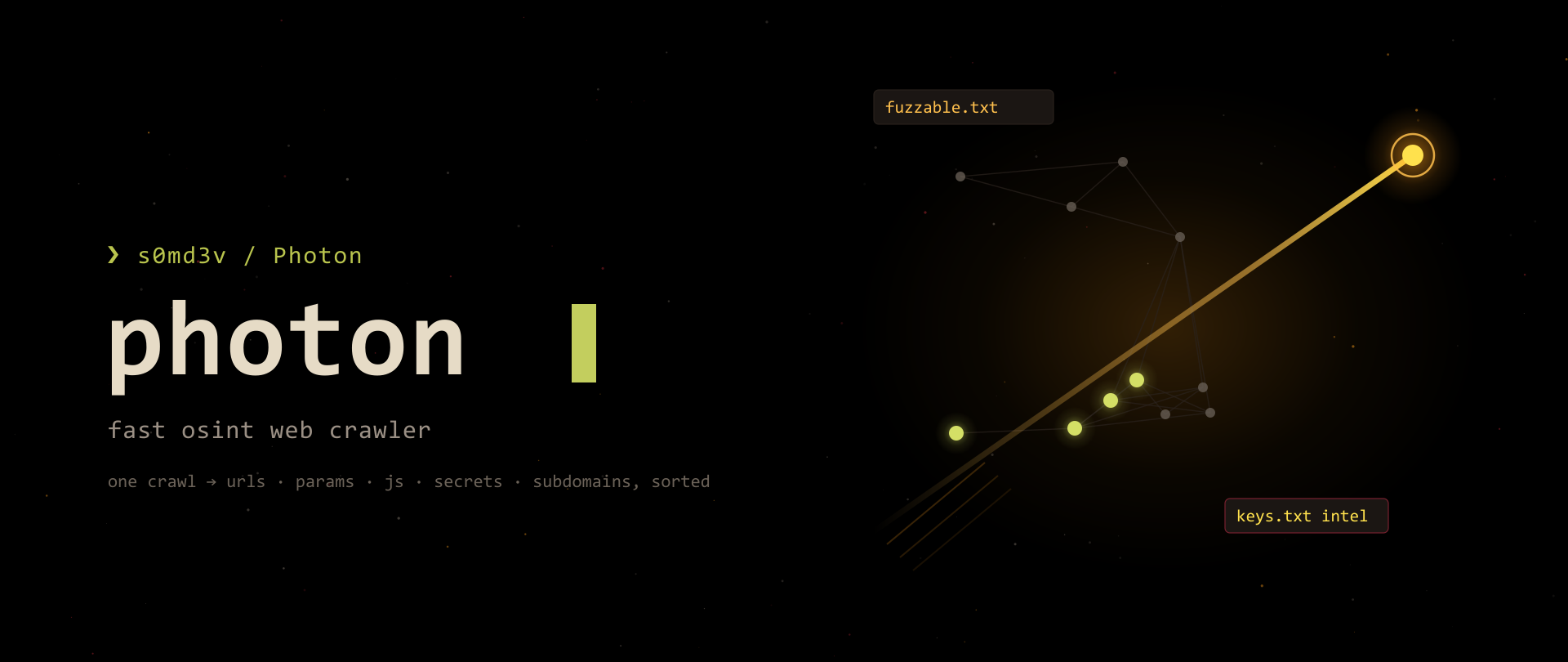
Photon is a fast OSINT-focused web crawler written in Python by s0md3v. Point it at a domain and, in a single crawl, it harvests a remarkable amount of intel: in-scope and out-of-scope URLs, parameterized (fuzzable) URLs, emails, social accounts, AWS buckets, files (PDF/XML/…), JavaScript files, secret keys, subdomains, and DNS data.
Unlike a pure link crawler, Photon is built to extract intelligence while it walks the site. It organizes findings into neat text files on disk (internal.txt, fuzzable.txt, keys.txt, …), can export to JSON/CSV, and even clones sites locally. For a tester, that means one command produces both an attack-surface map and a ready-to-fuzz parameter list.
| 🔐 OffSec Tip
Photon’s superpower is that it sorts what it finds. Instead of one giant URL dump, you get fuzzable.txt (params), scripts.txt (JS), keys.txt (secrets), and intel.txt (emails/social) — already split for you.
Repo: github.com/s0md3v/Photon
📦 Installation
Photon is a Python 3 script. The canonical install is a git clone:
1 | |
Docker:
1 | |
| 🔐 OffSec Tip
Run it from inside the cloned folder as python photon.py. Depending on your setup you may need python3 photon.py.
🚀 Basic Usage
The only required flag is -u (the target URL):
1 | |
Photon crawls the target and drops a folder named after the domain (e.g. example.com/) containing all the result files.
🚩 All CLI Flags
🕷️ Core crawl
| Flag | Default | Description |
|---|---|---|
-u, --url |
Root URL to crawl (required) | |
-l, --level |
2 |
Levels (depth) to crawl |
-t, --threads |
2 |
Number of threads |
-d, --delay |
0 |
Delay between requests (seconds) |
--timeout |
5 |
HTTP request timeout (seconds) |
🔐 Authentication & requests
| Flag | Description |
|---|---|
-c, --cookie |
Cookie header for authenticated sections |
--user-agent |
Custom user-agent(s), comma-separated |
--headers |
Supply custom HTTP headers |
🌱 Scope & seeds
| Flag | Description |
|---|---|
-s, --seeds |
Additional seed URLs, comma-separated |
--exclude |
Exclude URLs matching this regex |
--wayback |
Use archive.org URLs (from the current year) as seeds |
--only-urls |
Only extract URLs — skip intel & JS extraction |
⛏️ Data extraction
| Flag | Description |
|---|---|
-r, --regex |
Extract strings matching a custom regex during the crawl |
--keys |
Extract secret keys (high-entropy strings, API keys, hashes) |
--dns |
Enumerate subdomains & DNS data (with a visualization) |
--clone |
Clone the crawled pages locally for offline use |
📤 Output
| Flag | Default | Description |
|---|---|---|
-o, --output |
domain name | Output directory |
-e, --export |
Export formatted results (json or csv) |
|
--stdout |
Print one variable to stdout (see list below) | |
-v, --verbose |
Verbose output — print pages/keys/files as found |
🧰 Misc
| Flag | Description |
|---|---|
--ninja |
Ninja mode — route some requests through third-party services |
--update |
Check for and install updates |
📖 Every Flag Explained (the ones that matter)
📏 -l, --level — crawl depth
Depth 2 (default) crawls the homepage and its seeds, then the results of those. Bump it for deeper coverage; each level multiplies the work.
1 | |
⚡ -t, --threads + -d, --delay — speed vs. stealth
More threads = faster, but noisier and more likely to trip rate limits. Add a delay to slow down.
1 | |
🔑 --keys — the money flag
Turns on secret/high-entropy extraction, writing hits to keys.txt. Cheap to add, frequently pays off.
1 | |
🧩 -r, --regex — grab anything you want
Extract custom patterns while crawling — internal IDs, phone numbers, API paths, whatever:
1 | |
🕰️ --wayback — free historical seeds
Seeds the crawl with archive.org URLs for the current year, so you also touch old/forgotten paths:
1 | |
🚫 --exclude — stay in scope
Regex out logout links, media, or out-of-scope sections:
1 | |
🌐 --dns — subdomains + graph
Enumerates subdomains and DNS data, saving subdomains.txt and a DNS visualization:
1 | |
🔗 --only-urls — fast link map
Skip all intel/JS extraction when you just want the URL surface quickly:
1 | |
🗂️ Output Files Explained
Photon writes a folder (named after the domain, or your -o) containing:
| File | Contents |
|---|---|
internal.txt |
In-scope URLs (same domain) |
external.txt |
Out-of-scope / third-party URLs |
fuzzable.txt |
URLs that contain parameters — your fuzzing target list |
endpoints.txt |
Endpoints discovered in JavaScript |
scripts.txt |
JavaScript file URLs |
intel.txt |
Emails, social media handles, other OSINT |
robots.txt |
Paths pulled from the site’s robots.txt |
custom.txt |
Matches from your --regex pattern |
keys.txt |
Secret keys (only with --keys) |
subdomains.txt |
Subdomains (only with --dns) |
failed.txt |
URLs that failed to fetch |
| 🔐 OffSec Tipfuzzable.txt is the file you want most often — it’s a pre-filtered list of parameterized URLs, ready to hand to ffuf, qsreplace, or your injection tooling.
🧪 Practical Examples
Authenticated crawl:
1 | |
Add extra starting points:
1 | |
Custom user-agents:
1 | |
Deeper, threaded crawl with a timeout tweak:
1 | |
🧠 Advanced Examples
🛰️ Full intel sweep
Depth 3, keys on, wayback seeds, DNS enumeration, verbose:
1 | |
📥 Export for tooling
Dump results as JSON so you can jq them:
1 | |
🧬 Clone for offline analysis
Save every crawled page locally (useful for source review without re-hitting the target):
1 | |
➡️ Pipe a single result set out live
--stdout prints exactly one variable to stdout so you can chain it. Supported values:files, intel, robots, custom, failed, internal, scripts, external, fuzzable, endpoints, keys.
1 | |
🎯 Real Pentest Workflow
From a single domain to a fuzzed, JS-mined attack surface:
1 | |
| 🔐 OffSec Tip
Photon and jsluice pair beautifully: Photon finds the JS files (scripts.txt), jsluice dissects them (endpoints, secrets, params). Run them back to back.
🤖 Automation Examples
Reusable function:
1 | |
Loop over a scope file:
1 | |
🧾 JSON / Output Explanation
Photon’s default output is a set of plain-text files (see the table above) — not JSON. That’s deliberate: each file is already a clean, deduplicated, single-purpose wordlist you can pipe directly (cat fuzzable.txt | ...).
When you do want structured data, add --export json (or --export csv) and Photon writes a formatted export you can parse with jq. Use --stdout <variable> when you want a single category streamed live into another tool without touching disk.
🔧 jq Filtering Examples
After --export json:
1 | |
| 🔐 OffSec Tip
Export key names depend on the Photon version. Run jq 'keys' on the export first to see exactly what’s available before scripting.
📡 Combine with httpx
Photon finds URLs; httpx tells you which ones live and what they return:
1 | |
🕰️ Combine with gau
Feed Photon’s crawl straight into historical URL mining for extra coverage (Photon also has --wayback built in, but gau casts a wider net):
1 | |
📜 Combine with subjs
Widen JavaScript discovery beyond what Photon’s crawl reached:
1 | |
🧃 Combine with jsluice (the natural pair)
Let Photon collect scripts, let jsluice extract from them:
1 | |
💥 Combine with ffuf
fuzzable.txt is basically a ready-made target list:
1 | |
⚡ One-liners
1 | |
⚠️ Common Mistakes
- Forgetting
--keys. Secret extraction is off by default. If you skip it,keys.txtnever gets written. - Cranking
-ttoo high. Photon defaults to 2 threads for a reason — pushing to 50 on a fragile target gets you blocked or drops results intofailed.txt. - Expecting JSON by default. Base output is
.txtfiles. Add--export jsonif you need structured data. - Ignoring
fuzzable.txt. People re-derive a parameter list with other tools when Photon already handed them one. - No
--excludeon big sites. Without scope control the crawler wanders into logout links and infinite calendars. - Wrong Python. Photon is Python 3; running it under a stale Python 2 environment will error out.
💡 Pro Tips & Performance
- Start shallow, then go deep. Run
-l 2 --only-urlsfirst for a quick map, then a full-l 3 --keys --dnspass on the interesting hosts. --waybackfor free coverage. It costs almost nothing and often surfaces retired endpoints the live site no longer links to.- Tune threads to the target.
-t 10on a robust CDN-backed site; keep it low (-t 2 -d 1) on something fragile or WAF’d. - Use
--stdoutto avoid disk churn in pipelines — stream one category straight into the next tool. - Chain into jsluice every time.
scripts.txt→ jsluice is the highest-value follow-up Photon enables. - Keep the output folder per target with
-oso parallel scans don’t clobber each other’s files.
🏁 Conclusion
Photon is the OSINT crawler that does your sorting for you. One command turns a domain into a labeled set of files — in-scope URLs, fuzzable parameters, JavaScript, secrets, subdomains, and intel — each already deduplicated and ready to pipe. That structure is what makes it such a good first recon step: everything downstream (httpx for liveness, ffuf for fuzzing fuzzable.txt, jsluice for dissecting scripts.txt) has a clean input waiting for it.
Remember the flags that matter — --keys for secrets, --wayback for historical reach, --dns for subdomains, -l/-t/-d to balance depth against stealth — and let the output files drive the rest of your workflow. Pair it with jsluice and you’ve got a JavaScript-to-endpoints pipeline that’s hard to beat.
| 🔐 OffSec Tip
The fastest way to level up your recon: run Photon first, then feed its scripts.txt to jsluice and its fuzzable.txt to ffuf. Three tools, one clean chain.